See Clearly Without Glasses? 6 Home Tweaks That Saved My Eyes
Have you ever experienced the minor frustration of wearing your reading glasses on your head while frantically searching for them? You want to check a recipe, look at the expiration date on a milk carton, or enjoy the morning paper, only to find your glasses are in another room. Or perhaps even worse: you are wearing them, yet you find yourself squinting and moving the newspaper back and forth like you are playing a silent trombone.

We often assume that once our eyes start to "mature," the only answer is a stronger lens or a surgical intervention. But what if the secret to seeing better isn't always about changing your eyes? Sometimes, it is about changing the world around your eyes and upgrading the way your brain processes light.
In our golden years, the physics of how light enters our eyes changes. Our pupils become smaller and less responsive, and the lens inside the eye becomes less flexible. This isn't a "failure" of the eye; it is simply a shift in its operating requirements. Today, I am sharing six "Home Sight Hacks" that focus on environmental physics and digital ergonomics. These are simple, non-medical adjustments that allow your eyes to relax and perform their job without the constant struggle.
I. The 6 Strategic Tweaks for Home
These six adjustments focus on the intersection of environmental physics, digital ergonomics, and neural adaptation. By implementing these, you are essentially "fine-tuning" the light before it ever hits your retina.
1. The Physics of Brightness: The "Pinhole Effect" Strategy
Have you noticed you can read a menu perfectly by a sunny window, but as soon as you move to a dim booth, the letters turn into a blurry soup? This is due to a fascinating principle of optics.
❇️ Why 2x Brightness Equals 100 Degrees of Help
As we age, the amount of light reaching the back of the eye (the retina) decreases significantly. A 60-year-old eye receives roughly one-third of the light that a 20-year-old eye does.
- ✔️The "Pinhole" Secret: When you increase the light on your page, your pupil naturally constricts (gets smaller). In physics, a smaller aperture creates a greater "depth of field." This means things stay in focus over a wider range of distances.
- ✔️The Result: By doubling the light, you effectively "sharpen" the edges of the ink, making it feel as though you've reduced your eye's biological age by several years.
❇️ Implementing the "Light Hack" at Home
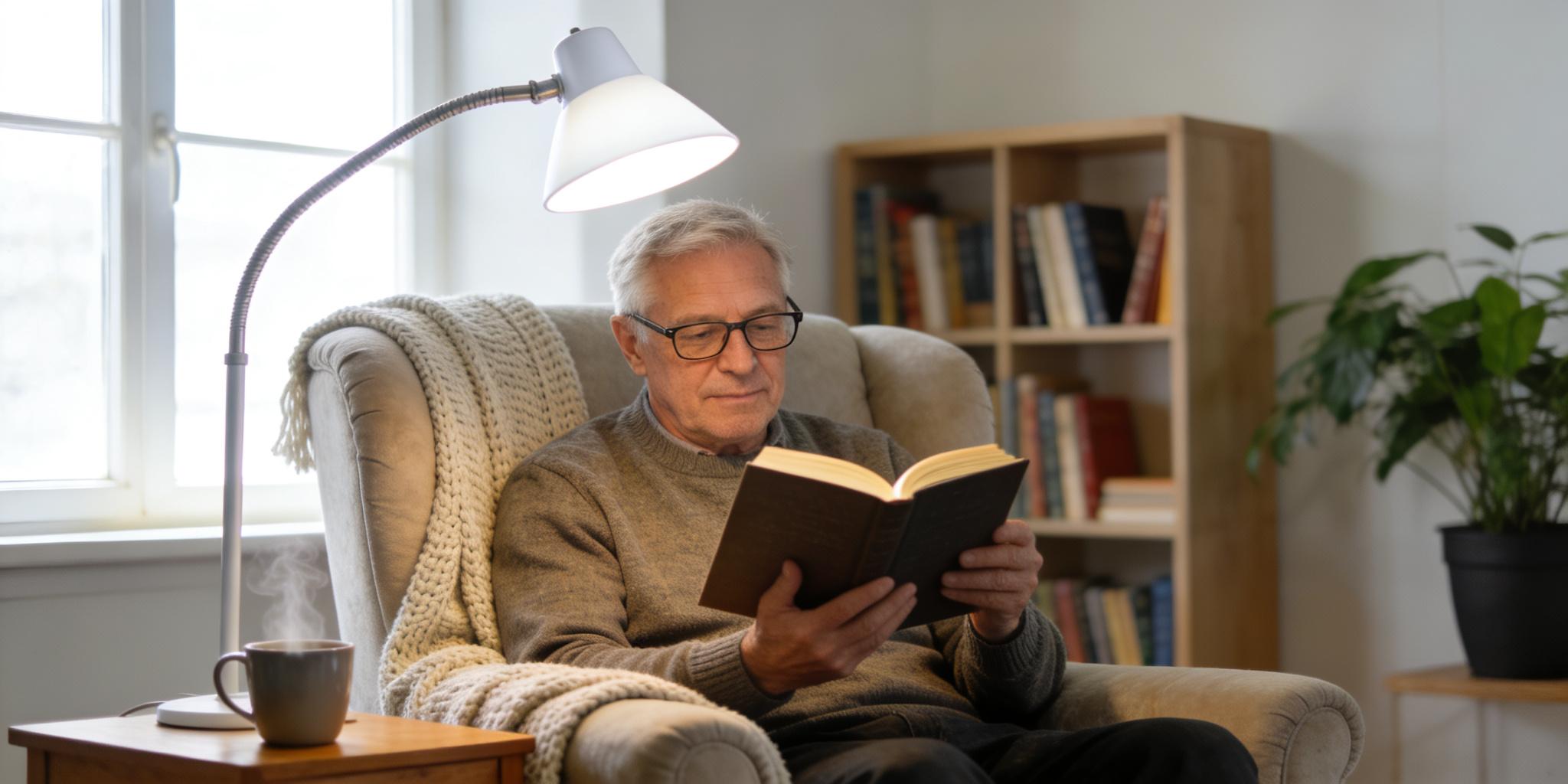
- ✔️The Rule of Task Lighting: Central ceiling lights are the enemy of clarity. They are too far away and create shadows. Invest in a dedicated "Gooseneck" lamp for your reading chair.
- ✔️The Position: Place the lamp so the light comes from the side (over your shoulder) directly onto the page. This avoids "ceiling glare," the white reflection on the glossy pages of a magazine that makes the text appear blurry.
- ✔️CRI (Color Rendering Index): When shopping for bulbs, look for a CRI of 90 or higher. This ensures the light contains a full spectrum of colors, making the contrast between black ink and white paper much more vivid.
2. The Mastery of Contrast: Reducing the Brain's "Decoding" Load
Contrast is the difference in luminance that makes an object distinguishable from its background. For an aging eye, low contrast is like trying to hear a whisper in a noisy room.
☀️ The "Ink-on-Snow" Principle
Our "contrast sensitivity" naturally decreases over time. This is why light gray text on a dark gray background is so difficult to read.
- The Optimal Combo: Black text on a crisp, matte white background remains the gold standard.
- The Reflection Trap: Avoid reading on glass-topped tables or under lights that create "hotspots" on your paper. If your eyes have to fight a reflection, they are too tired to decode the words.
☀️ Practical Contrast Tweaks
- The High-Contrast Guide: Use high-contrast tape (like bright yellow or white) to mark the edges of dark stairs or the "Off" button on your stove. This reduces the "visual search" time your brain requires.
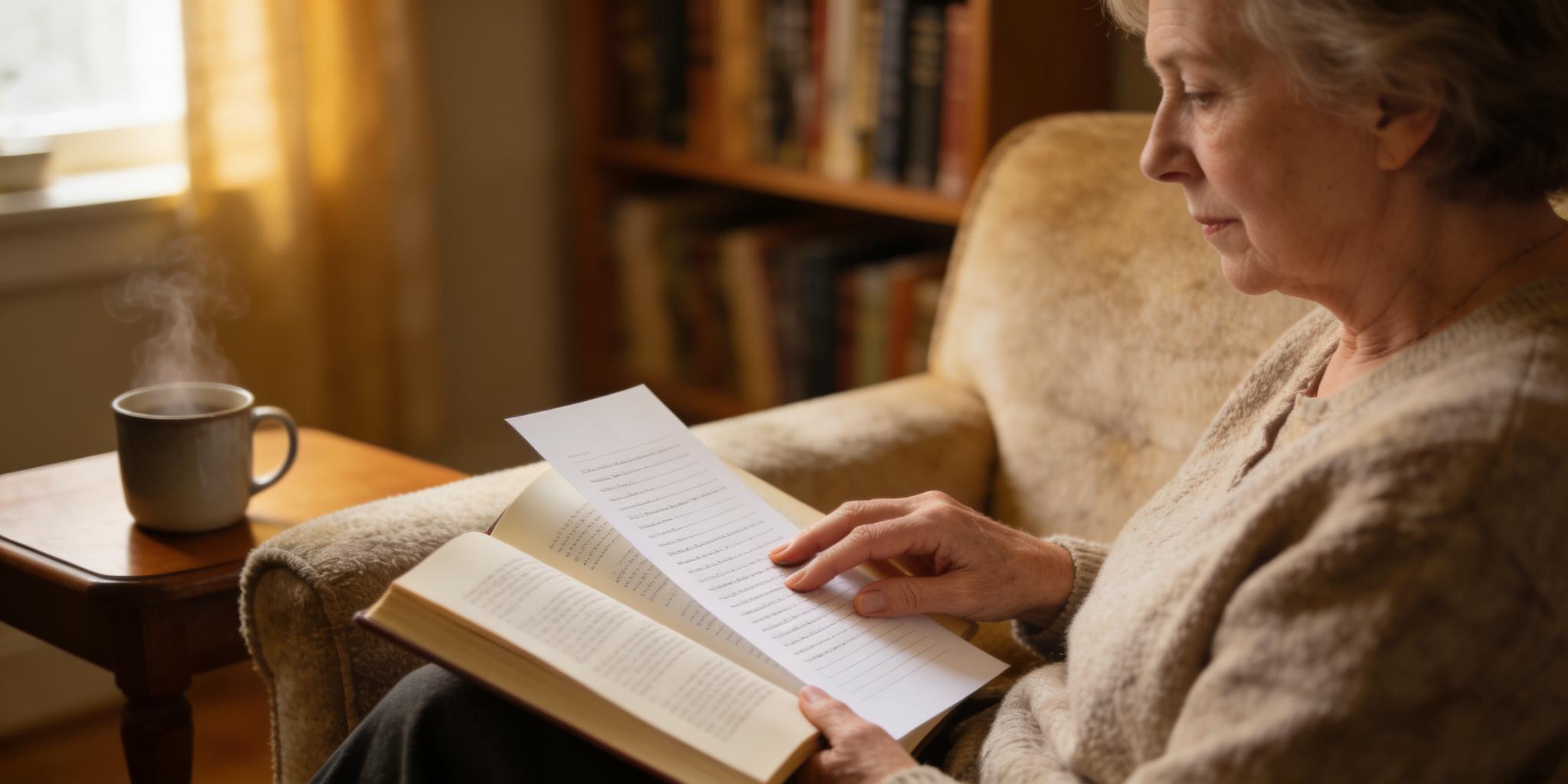
- The "Reading Sheet" Hack: If you are reading a book with crowded, small text, place a sheet of bright white cardstock directly under the line you are reading. This creates a "clean border" that helps your eye track the sentence without getting lost in the lines below.
3. The "Brain-Software" Upgrade: Training Your Focus

We usually think of the eye as a stationary camera, but it's actually connected to an incredibly powerful "image processor" (the brain). Even if the eye's lens is slightly out of focus, your brain can "sharpen" the image if given the right signal.
⚡ The "Blink-and-Reset" Technique
When we concentrate on reading, our blink rate drops by nearly 60%. This causes the tear film (the very first lens light hits) to become uneven, creating a "cracked glass" effect.
- The Tweak: Every time you reach the end of a page, perform three deliberate, slow blinks. This replenishes the lipid layer of your eyes, instantly smoothing out the optical surface and giving you a momentary "HD" boost in clarity.
⚡ Active Neural Sharpening
Instead of passively staring at blurry text, try to "hunt" for the sharpest corner of a single letter (like the tip of a "T").
- The Secret: This active searching forces your visual cortex to prioritize high-frequency signals. Over time, your brain becomes more efficient at "editing out" the blur, a process scientists call Perceptual Learning. It's like upgrading the software of your vision when the hardware is aging.
4. Breakthrough: Polarity Reversal (The "Dark Mode" Advantage)
For decades, we've been told that black ink on white paper is the only way to read. However, for a "maturing" eye that may have early-stage clouding (cataracts), a bright white background can cause too much Light Scatter inside the eye, creating a foggy "halo" around the words.
🌑 The "Golden-on-Black" Strategy
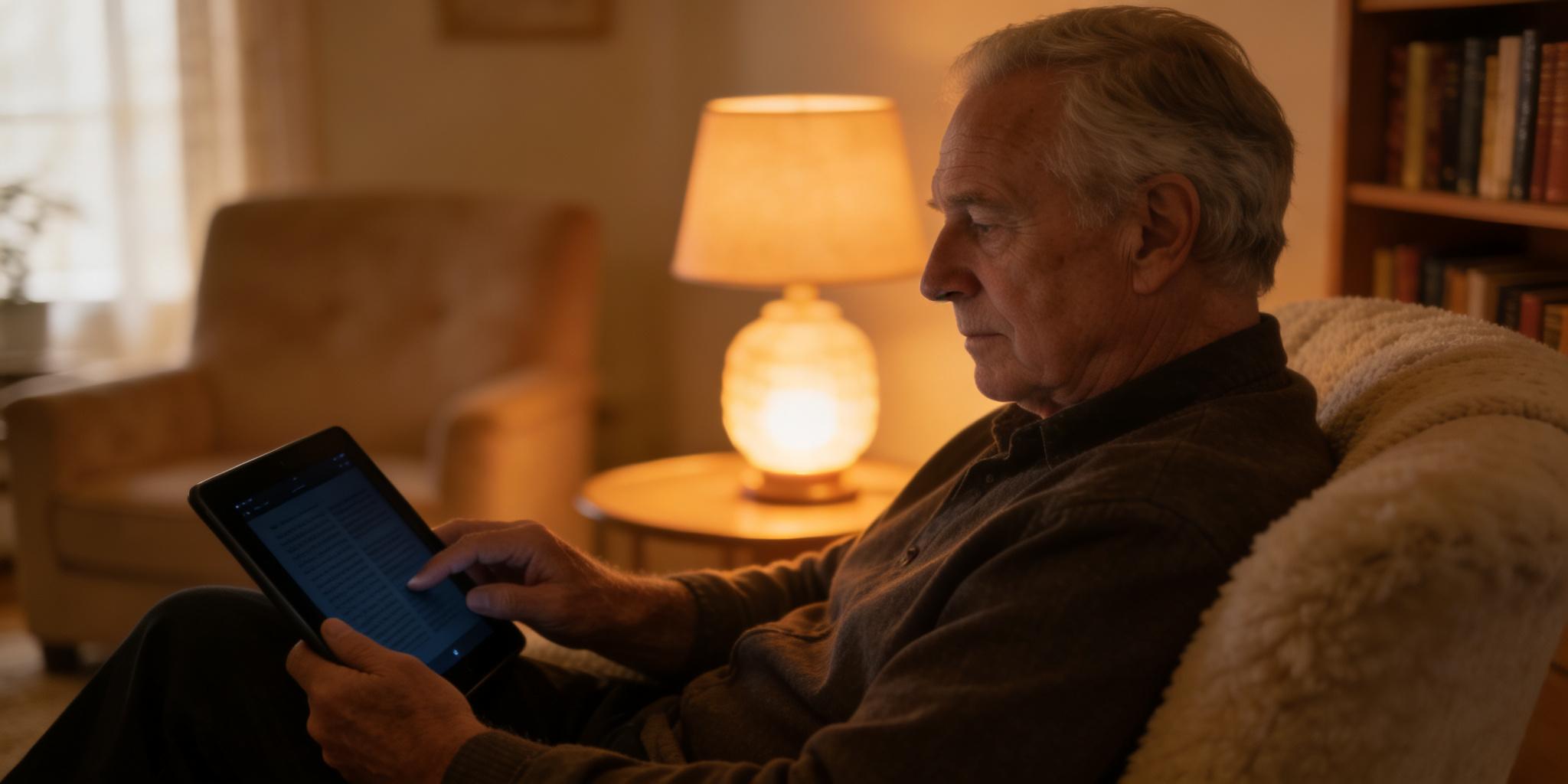
If you use a tablet or smartphone, try switching to Dark Mode (white or yellow text on a black background).
- Why it works: In this mode, 90% of the screen is dark. This means far less light enters your eye, significantly reducing internal glare and "veiling reflections." For many seniors, the letters appear much more stable and "carved" out of the darkness.
🌑 The Amber Filter (Blue-Light Mitigation)
If white screens feel "stinging" or sharp, use a built-in Warmth Filter (often called Night Shift or Comfort View).
- Benefit: By removing glaring blue-violet light, you reduce "chromatic aberration" (i.e., light scattering). A warmer, amber-tinted screen aligns the light better for an aging retina, making long-form reading far more comfortable.
5. Digital Functions: Smartphone Magnifier Tool
We live in an era where our smartphones are not just communication devices; they are sophisticated Optical Enhancement Tools. Most people use only 10% of their phone's visual potential.
📱 The Digital Magnifier Tool
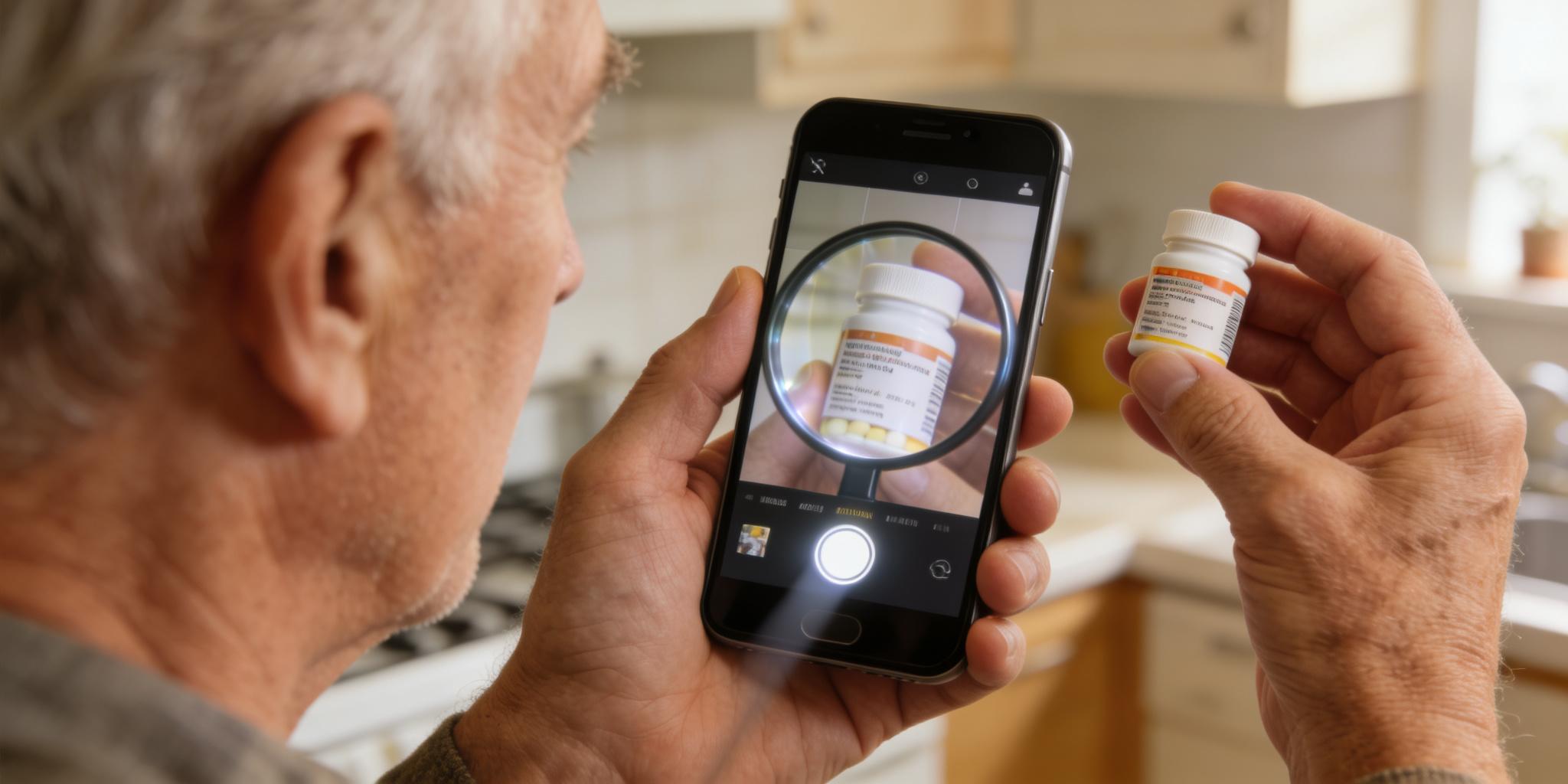
Almost every smartphone has a hidden "Magnifier" in the accessibility settings. This is much more than just a camera.
- The "Freeze" Frame: If you are at the pharmacy trying to read a tiny vitamin label, use the Magnifier to snap a photo. You can then zoom in and enhance the contrast (changing it to yellow-on-black) to read it comfortably without your hand shaking.
- Filter Mode: Many digital magnifiers allow you to invert colors. For some, reading white text on a black background is significantly easier because it reduces the overall "light scatter" inside the eye, which causes glare.
📱 Voice as a "Visual Relief"
If your eyes feel "heavy" after twenty minutes of reading the news, switch to Text-to-Speech.
- The Habit: Most news apps and websites have a "Listen" icon. Let the device handle the "decoding" while you close your eyes and rest your ocular muscles. It turns reading from a visual chore into a relaxing narrative experience.
6. Human Ergonomics: Scaling Your World for Comfort
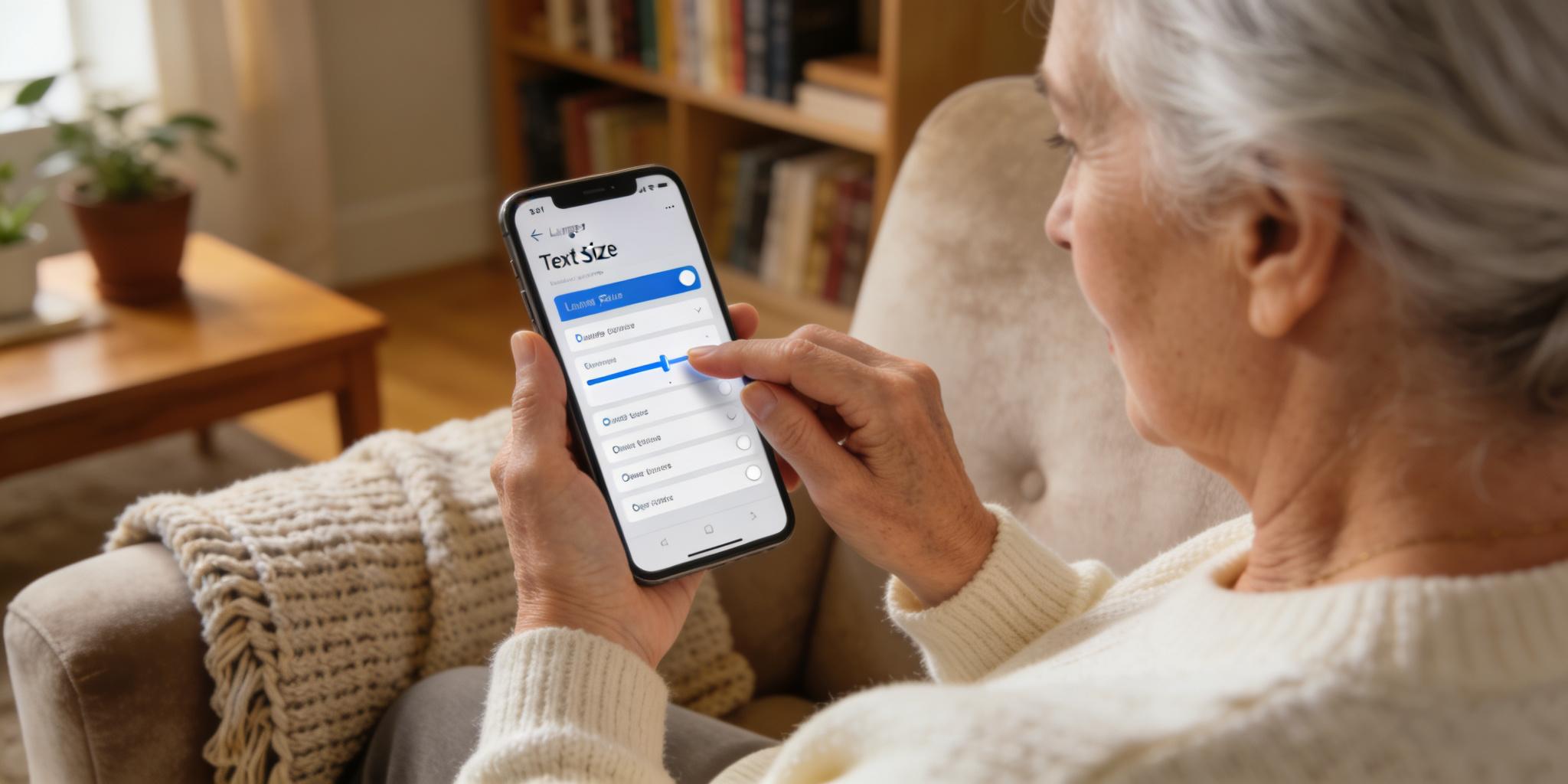
"Bigger" is not always better; "Proportional" is what matters. You don't need a massive 60-inch TV if you sit at the correct distance and scale your fonts correctly.
📏 System-Wide Font Scaling
Go to your phone or tablet's Settings > Display > Text Size.
- The Strategy: Don't just increase it one notch; increase it until you can read a text message at arm's length without squinting.
- Browser Zoom: On a computer, the "Ctrl and +" (or Cmd and +) shortcut is your best friend. Most websites are designed for 20-year-olds; there is no shame in zooming a website to 150% to make the reading effortless.
📏 The "View Angle" Secret
The position of your book or screen dictates how much of your eye is exposed to the air.
- The 15-Degree Rule: Your screen or book should be about 15 to 20 degrees below eye level. This allows your upper eyelids to cover more of the eye's surface, which reduces tear evaporation and prevents the "gritty" feeling of dry eyes.
II. Interactive FAQ: Troubleshooting Your Visual Home
❓ Q1: Why do my eyes feel "sandy" even when I use a reading lamp?
- Answer: You are likely not blinking enough. When we concentrate, we "stare." Try the 20-20-20 Rule: Every 20 minutes, look at an object 20 feet away for 20 seconds and blink slowly.
❓ Q2: Is "Blue Light" really the enemy?
- Answer: While blue light from screens can disrupt sleep, the bigger issue for seniors is Chromatic Aberration (light scattering). Using a Warmth Filter (Amber mode) on your device aligns the light rays better for an aging retina, making the text feel "softer" and less stinging.
❓ Q3: Should I use a magnifying glass alongside these tweaks?
- Answer: A physical magnifier is a great "emergency" tool, but your smartphone's magnifier is often superior because it can freeze and enhance contrast, which a piece of glass cannot do.
III. Home Vision Environment Self-Test
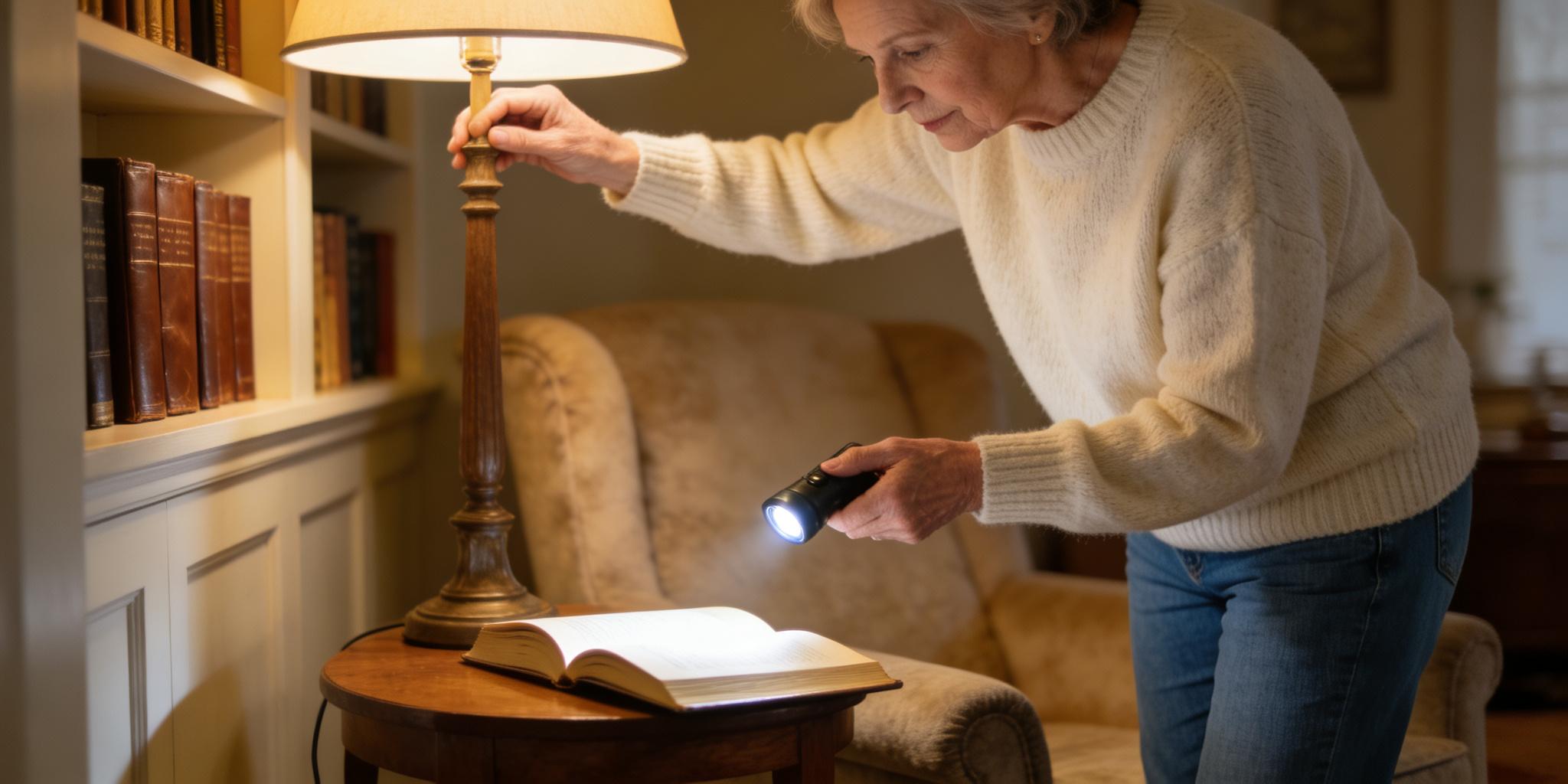
Take a walk around your home and answer the following four questions to see if your environment is beneficial to you:
❓ Q1: The "Shadow Check": When you sit in your favorite reading chair, does your head or shoulder cast a shadow on your book?
- ✔️If yes, move your lamp to the side to clear the path for light.
❓ Q2: The "Glare Check": Look at your television or computer screen while it is turned off. Do you see a reflection of a window or a bright lamp?
- ✔️If yes, your eyes are fighting that glare all day. Close the curtains or angle the screen away.
❓ Q3: The "Kitchen Label" Check: Can you read the expiration date on your medicine or milk without moving to a brighter room?
- ✔️If no, install a simple "under-cabinet" LED strip. It's a game-changer for kitchen safety.
❓ Q4: The "Blink" Check: Do you find yourself staring at your computer or tablet for long periods without blinking?
- ✔️Habit: Place a small sticker on the corner of your screen that says "Blink." It's a gentle reminder to keep your eyes lubricated.
Summary: Creating a "Sight-Friendly" Sanctuary

Over the years, our eyes have witnessed countless beautiful sights. As we age, the physiological functions of our eyes change, and we naturally need to adjust them.
By making some simple changes, such as optimizing lighting, prioritizing high-contrast environments, using electronic devices wisely, and adjusting our field of vision to our own comfort, we can actively combat aging. You'll find that at the end of the day, you're less tired, the drowsiness disappears, and the world becomes wider and brighter. Why not start today by changing a light bulb in your reading corner? You'll be surprised to find such a clear view right at home. Let's start with small adjustments to make your world clearer!